


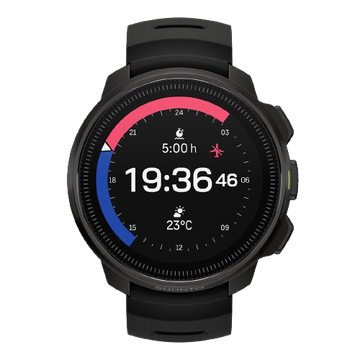


Regarding the issue of the day of the week not being displayed correctly on the watch
January 04 2020
🔺走る、その先へ
泳ぎに音楽を追加する
ランナーのために設計された軽量スポーツウォッチ
究極のパフォーマンスウォッチ、発売中!

 ウォッチ
ウォッチ

 ダイビング
ダイビング

 イヤホン
イヤホン

 コンパス
コンパス

 アプリ
アプリ

 サポート
サポート
ショッピングカート
カートが空です
We apologize for any inconvenience caused by the incorrect display of the day of the week on the watch.
We released a software version containing a fix for this issue on January 4, 2020. This
issue can be resolved by updating the watch software, so please update it using the following procedure. Please
note that when updating the software, exercise records and other data recorded in the watch will be erased, so please sync your data in advance with your Movescount account or Suunto app account.
1.) Connect the watch to your PC using a USB cable.
2.) Launch the Suuntolink software on your PC . ( You can install the Suuntolink software on your PC from this link.)
3.) "Update your watch" will be displayed on Suuntolink. Click on the display to start the update. ( Video explaining how to update )



Suuntoの最新ニュースや製品情報、イベントのお知らせをいち早くお届けします。新規登録の方には、すぐに使える5%割引クーポンをプレゼント。