





Suunto Blog


Face to Face with Conrad Stoltz, #SuuntoAdventure Video Series Episode 5
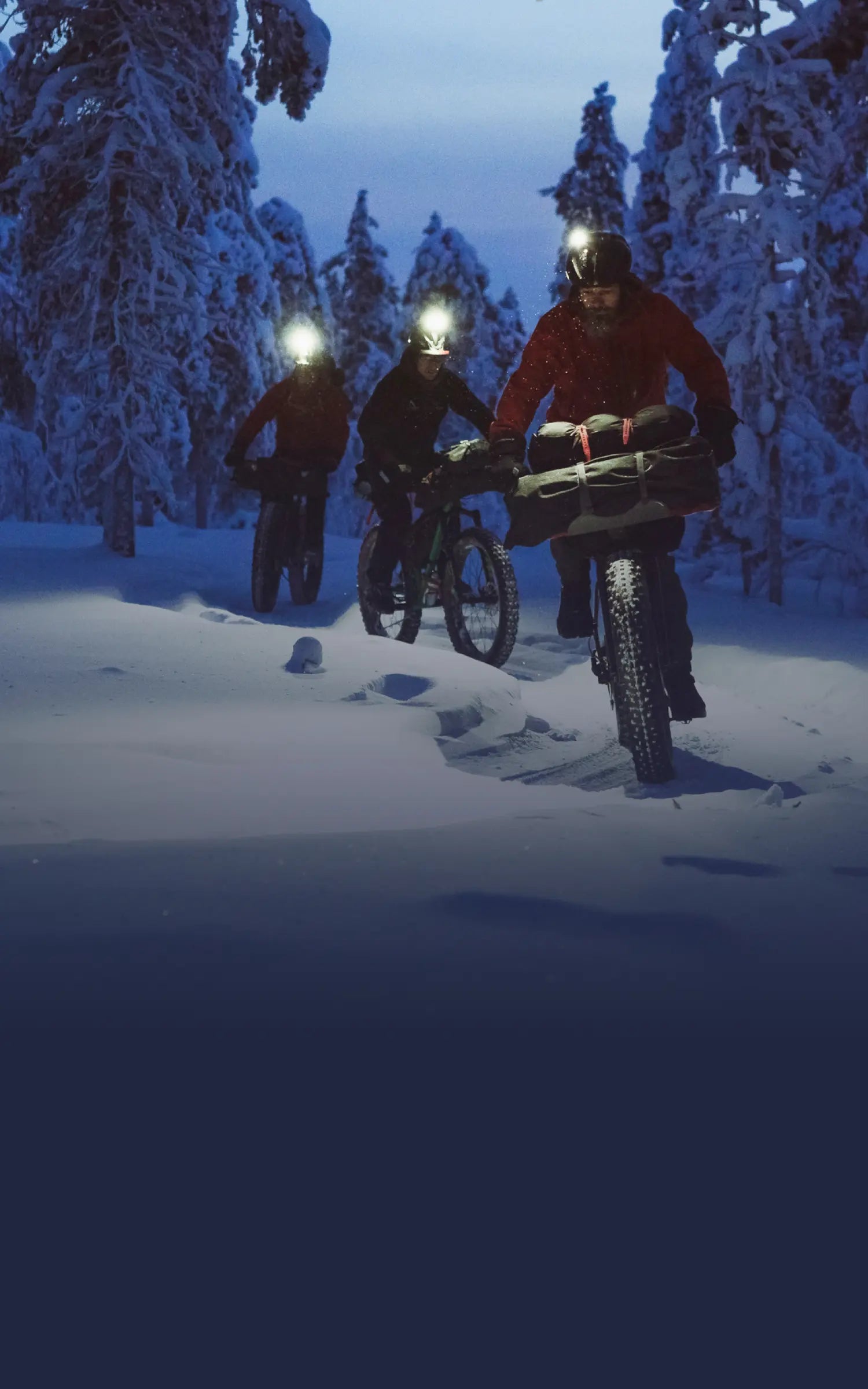
In the fifth episode of #SuuntoAdventure Video Series four time XTERRA world champion Conrad Stoltz talks about going fast, suffering and over 25 years of competing in triathlon.
Face to Face with Conrad Stoltz, #SuuntoAdventure Video Series Episode 5
Watch also the other episodes in the series:
Face to Face with Emelie Forsberg – #SuuntoAdventure Video Series, Episode 1
Face to Face with Greg Hill – #SuuntoAdventure Video Series, Episode 2
Face to Face with Kilian Jornet – #SuuntoAdventure Video Series, Episode 3
Face to Face with William Trubridge – #SuuntoAdventure Video Series, Episode 4

BENEFITS FOR USING TRAININGPEAKS WITH YOUR SUUNTO
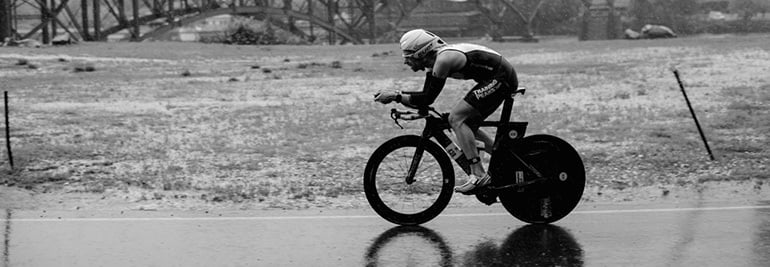
Suunto became compatible with TrainingPeaks this spring. We got in touch with Canadian ultra runner Rodney Buike to learn more about the service.
Rodney Buike started his athletic career as an alpine ski racer and a mountain biker but has since evolved into an endurance athlete covering longer and longer distances. First he competed in duathlons and triathlons, but has recently started to run ultras, too.
Buike has been using TrainingPeaks as his main tracking application since 2011.
“I initially started with the free version of TrainingPeaks but soon switched to TrainingPeaks Premium for some of the added capabilities,” says Buike.
“For me the best feature is the Performance Management Chart. It gives me a real ability to manage my fitness and fatigue levels over the course of my racing season.”
TrainingPeaks’ Performance Management Chart (PMC) tracks chronic training load (CTL based on activities older than 15 days) and acute training load (ATL based on the last 14 days of activity). These numbers are based on the athlete’s thresholds which allows TrainingPeaks to calculate the intensity (IF) and Training Stress Score (TSS). This is then used to calculate Training Stress Balance (TSB). All this data can be used to monitor progress and ensure a smooth steady build up and then taper to main race or races.
Here’s Buike’s own PMC starting with the beginning of training for his first 50K race.
Rodney Buike’s 180-day Performance Management Chart
“The first vertical red line is the peak of training with the longest run before tapering began for the race (the next vertical red line). Then you can see the recovery period and the final vertical red line indicating when training began again,” Buike explains.
“There are a few important things you can see in this graph: First off you can see a long slow steady build with the gradual increase in the CTL (the blue line). There are smaller spikes along the line, which individually identify the key long runs followed by short recovery periods – but an overall steady climb. The TSB (orange line) moves into the positive as I recover and taper for the race while the ATL drops as training load is decreased.”
Over the course of time the Performance Management Chart can help you plan your taper and recovery to ensure you are doing just enough to maintain fitness while recovering properly to ensure your best performance on race day.
SET YOUR ZONES FIRST
While this all sounds very complex there are a few very basic things that all athletes can take advantage of immediately.
“The first thing I recommend is to set your zones. If you are using HR based training you can set different zones for all activities. For specific activities you can also define additional zones. I highly suggest runners to set their pace zones, which can be done using the results of a recent 10KM running race. Cyclists, who have a power meter, can input their functional threshold power (FTP) and use that to build power zones.”
In addition to the Performance Management Chart, Buike highlights the premium version’s advanced charts that you can use to drill deeper into the data (power analysis, scatter graphs, etc.). He also finds the planning tools very useful.
“With the premium version you have the ability to plan out your upcoming week, month or longer and have that sync with your calendar in Outlook, Gmail, Apple iCalendar or any calendar tool that supports ICS files. When you upload activities they will automatically populate the related activity in your TrainingPeaks calendar,” says Buike.
So how does your own calendar look for the coming weeks?
“I have decided to move into the ultra running world and completed my first 50 km and 80 km races recently. In May I have a 130km race coming up.”

Tutorial Tuesday: Customize your Ambit’s shortcut button
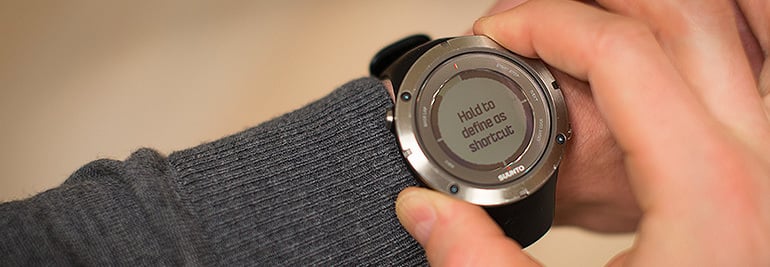
Do you have a favorite Ambit feature that you wish you could access quicker? No worries, in time mode you can access any menu item with a single push of a button after you have taught your Ambit2 or Ambit3 what you wish the shortcut button will do.
The shortcut button comes in handy in many ways. For example, it is a quick way to set the wake-up alarm and travellers can use the shortcut to easily set the dual time to match the destination’s time zone. And for your most frequent activity the shortcut button can lead straight to the right sport mode setting you ready to go with a single push of a button.
Here's how to use your Ambit's shortcut.
DEFINE A SHORTCUT
By default, when you keep [View] pressed in TIME mode, you toggle the display between light and dark. This shortcut can be changed to a different menu item.
To define a shortcut:
1. Keep [Next] pressed to enter the options menu or press [Start Stop] to enter the start menu.2. Browse to the menu item to which you want to create a shortcut. 3. Keep [View] pressed to create the shortcut.
Your own shortcut works when the watch is in time mode. In other modes, keeping [View] pressed accesses predefined shortcuts. For example, when the compass is active, you can access the compass settings by keeping [View] pressed.
NOTE: Shortcuts cannot be created to all possible menu items, such as individual logs.
You can get support for your Suunto product at support
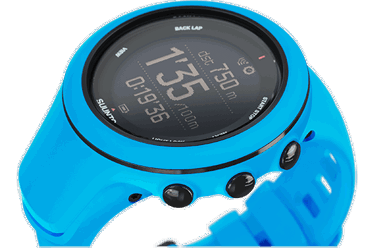

Suunto Ambit3 Sport wins the Good Design Award
Suunto is proud to announce winning an award from Good Design for the Suunto Ambit3 Sport GPS watch. Good Design is the world’s longest-running, most prestigious and recognized design program. It is organized annually by The Chicago Athenaeum Museum of Architecture and Design in cooperation with the European Centre for Architecture, Art, Design and Urban Studies.
Good Design covers new consumer products and each year accepts several thousand submissions from manufacturers and industrial and graphic design firms from more than 48 countries. All award-winning products and graphic designs are published in Good Design’s yearbook for 2014-2015 and are listed on The Chicago Athenaeum Museum’s website.
“The Suunto Ambit3 Sport simplifies the appearance of our multisport watches. A sleeker and cleaner appearance makes no compromises on the demands of multisporters and triathletes. The new top ring opens up possibilities for bold color design, and the new silicone straps fit all wrists comfortably and improve ergonomics”, says Björn Bornemann, the Designer of the Ambit3 Sport. “This watch looks great on the track and confident in the office as well.”
Good Design chose the Suunto Ambit3 Sport GPS watch for its sleek design, advanced run, cycle and swim functions and its mobile connectivity. The Ambit3 Sport is fully designed and manufactured in Finland.
For more product details and specs, visit ambit3.
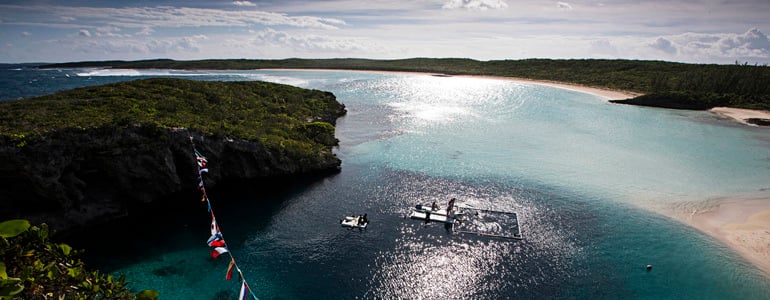

Suunto Vertical Blue: Day 6
Suunto Vertical Blue has now come to an end. It's been an incredible nine days of freediving action with some world class performances from many athletes from around the world. But it hasn't all been about depth records. In this clip, competitors come together for a a day of alternative games that include underwater somersaults, bubble rings and an 'ironfish' contest in which divers jumped off a cliff before swimming underwater to the center of Dean's Blue Hole and then diving to 20 m.
The full report will come soon. But in the meantime, enjoy the clip below.
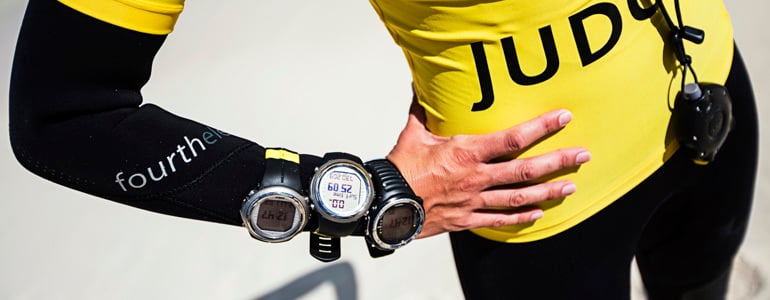

Vertical Blue: Day 5 highlights clip
Here's another take on a dramatic day 5 at the Suunto Vertical Blue. Although the main focus of the day was the world record attempt of Will Trubridge, this clip shines the spotlight on some of the other athletic performances at Dean's Blue Hole.


